Compress PDFs Offline.
Fast. Secure. Private.
ZipPDF lets you compress, merge, split, password-protect, and convert PDF files completely offline on your Android device. Your files never leave your phone — no cloud, no uploads, no account needed.
Everything You Need,
Nothing You Don't
ZipPDF combines fast, reliable PDF compression with a complete suite of offline PDF tools — all processed locally on your device.
100% Offline Processing
All PDF compression and document tools run directly on your device without needing an internet connection. Your PDFs never touch our servers — because we don't have any.
No Cloud Upload
Unlike online PDF tools, ZipPDF never uploads your files to any cloud server or third-party service. What stays on your device, stays on your device — forever.
Privacy First
No account required and no sign-in needed. Your documents and passwords are processed strictly on your device — we never collect, view, or store your PDF files.
No Storage Permission
ZipPDF works without requesting broad storage permission. It uses Android's built-in file picker — keeping your other files completely inaccessible to the app.
Fast Compression
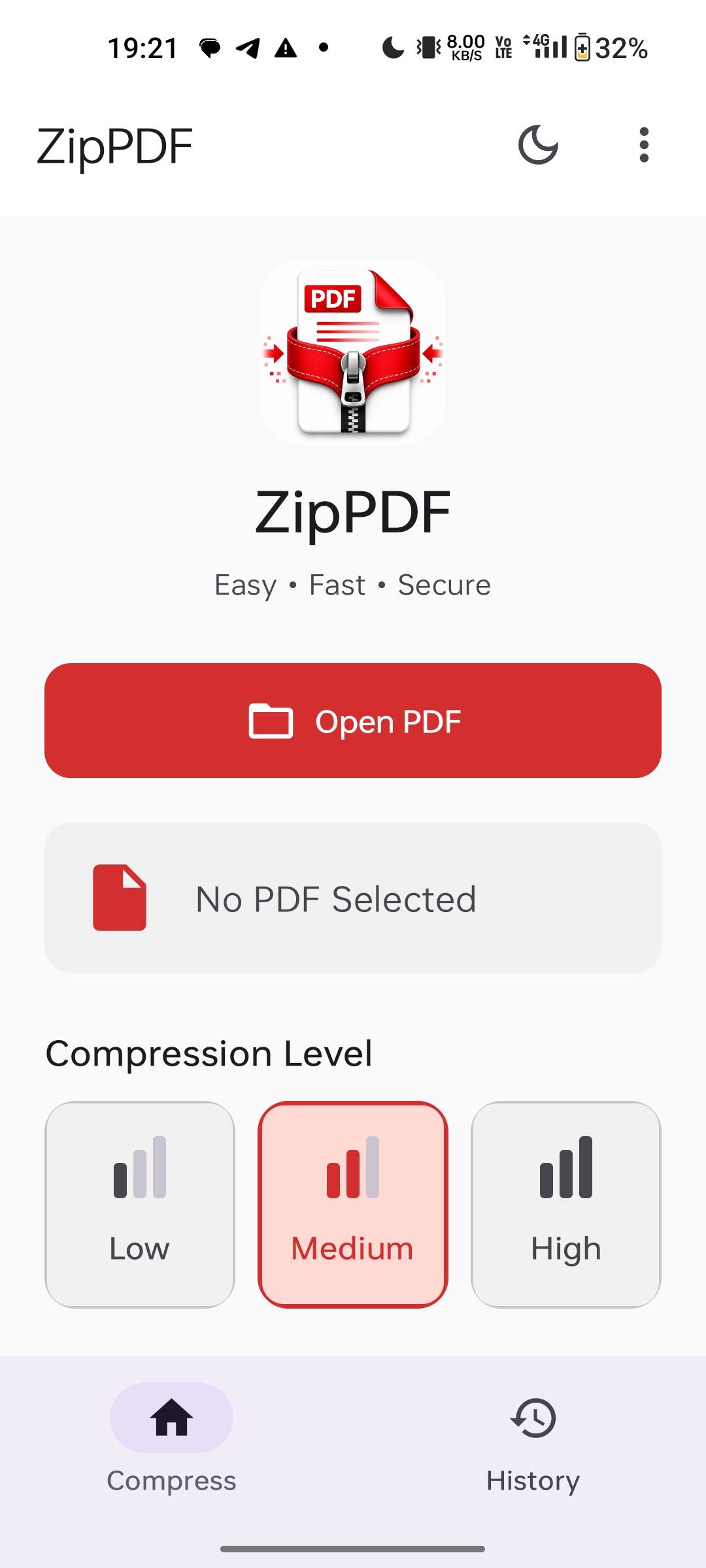
Powered by optimized on-device algorithms with Low, Medium, and High compression levels, ZipPDF shrinks large PDF files in seconds right on your Android phone.
All-in-One Pro Toolkit
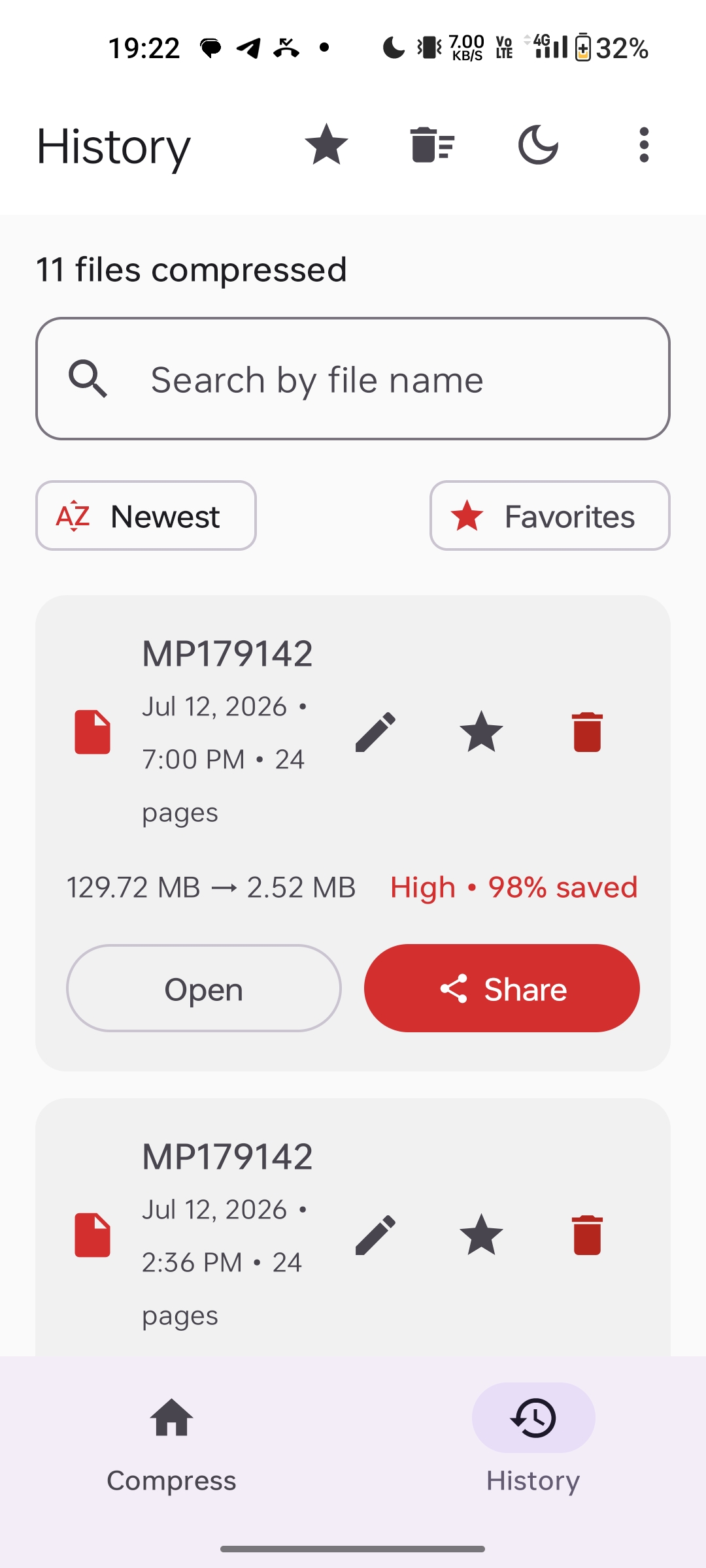
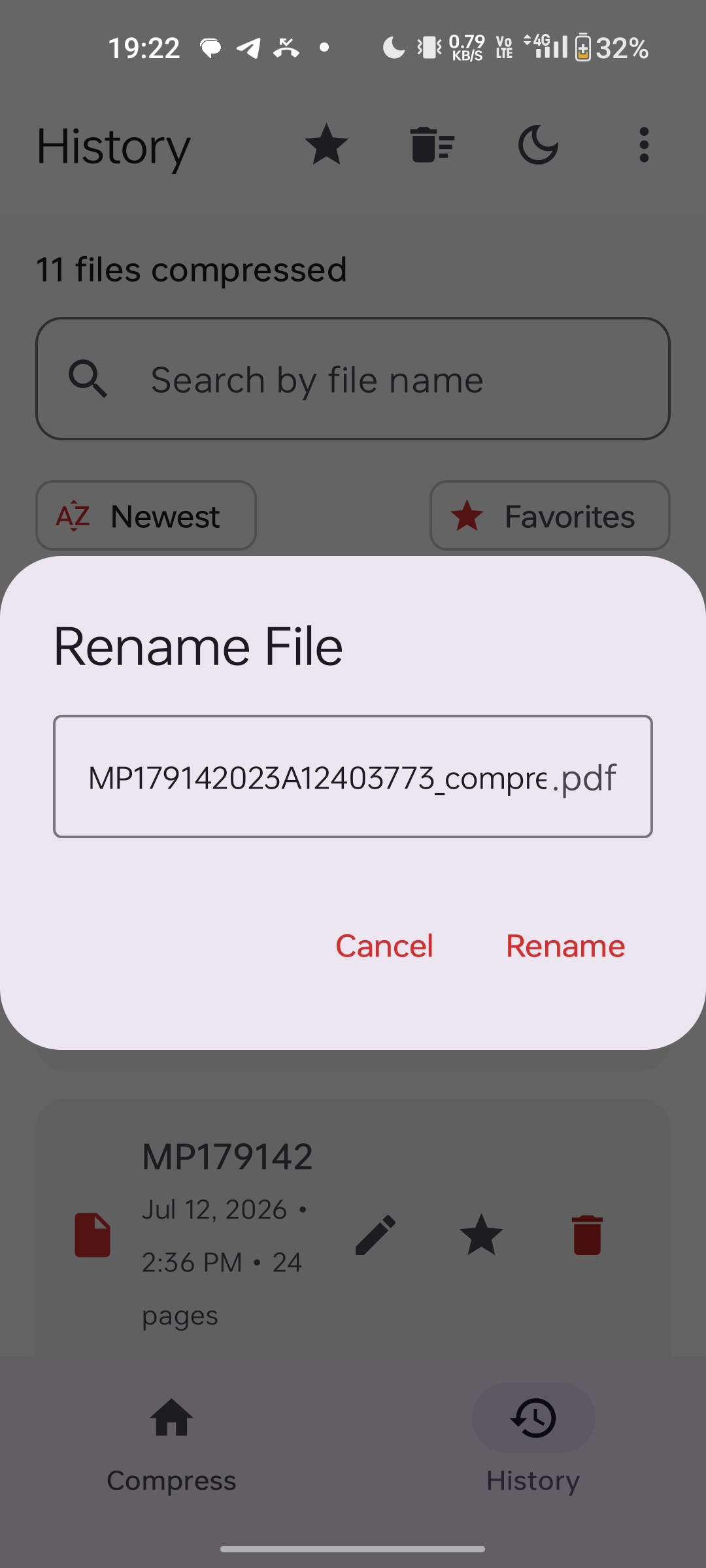
Upgrade to ZipPDF Pro to unlock Batch Compress, Merge PDF, Split PDF, Password Protect PDF, PDF to Image, Image to PDF, custom file renaming, Unlimited History, and 100% ad-free usage.
Better Than Any
Online PDF Compressor
Online PDF tools require uploading sensitive documents to unknown servers. ZipPDF does everything on-device, meaning your confidential files stay private — always.
How ZipPDF Works
Three simple steps is all it takes to compress your PDF. No internet, no waiting, no complexity.
Choose Your PDF
Tap the select button and pick any PDF file from your phone using Android's secure file picker. No storage permission required to get started.
Compress Instantly
ZipPDF processes and compresses your file entirely on your device. No internet, no uploading, no waiting. Pure on-device processing in seconds.
Save the Result
Save the compressed PDF to your chosen location, share it via WhatsApp, email, or any app — all while your original file remains completely intact.
See ZipPDF in Action
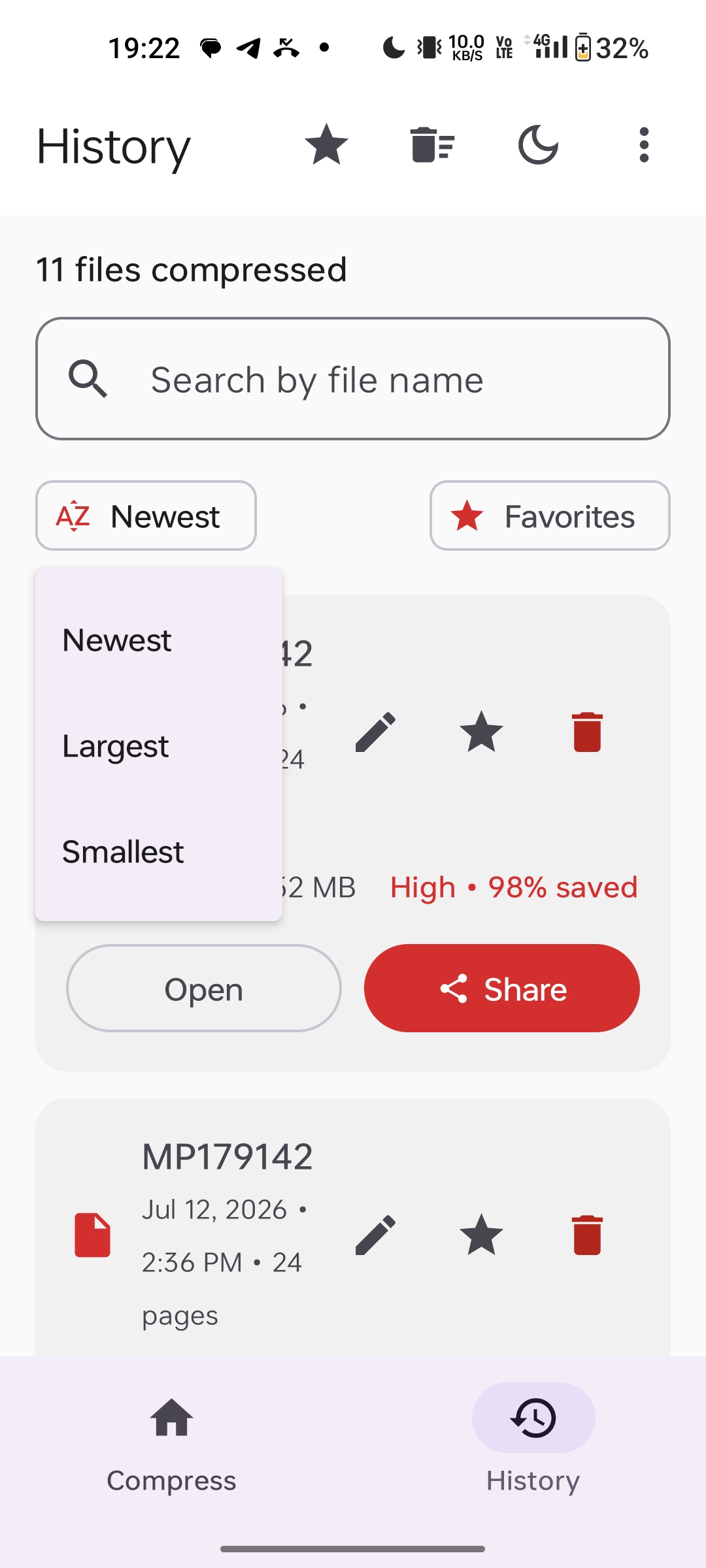
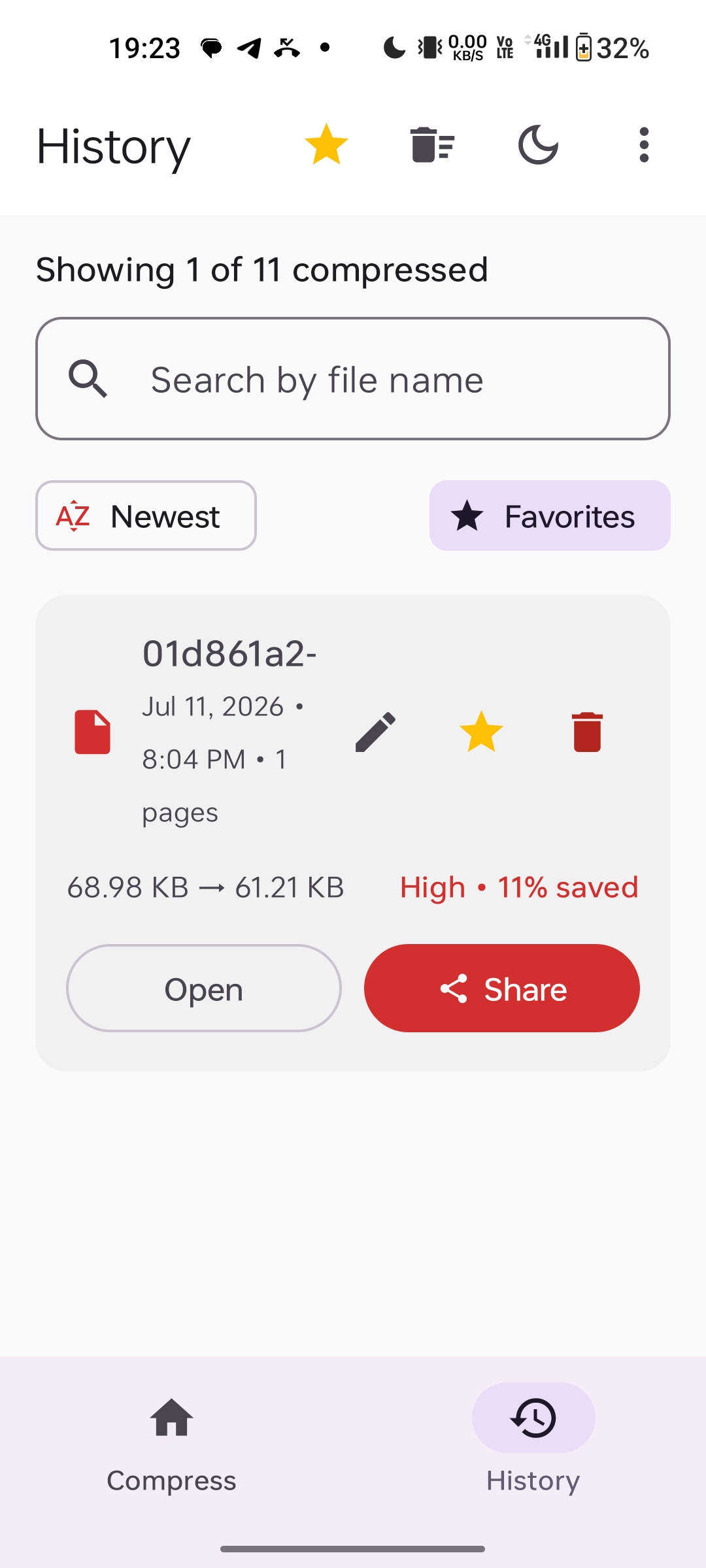
A clean, intuitive interface built for speed and simplicity. No clutter, no confusion — just PDF compression done right.
Made For Real-World Use
Whoever you are, ZipPDF is designed to make compressing PDFs simple and private.
Handle confidential contracts, reports, and invoices with confidence — every file is compressed entirely on your device and never uploaded anywhere.
Email large PDFs past college or portal attachment limits in seconds — no Wi-Fi needed, so it works on campus, at home, or anywhere in between.
A clean interface with no account, no clutter, and no confusing settings — just pick a PDF and compress it in seconds.
Frequently Asked Questions
Quick answers to the most common questions about ZipPDF.
Download ZipPDF Now
Compress your first PDF locally on your device.
Free to use with optional Pro upgrade. No account required.